How to play
Your first drive.
REDZONE is played on an Android phone held sideways. Here is how you get on the field and every control you need once you are there.
Four steps
From the sideline to the end zone.
Get your invite
REDZONE is in an invite-only Android beta. Join the waitlist and pick the beta team. Invites arrive by email with a private download link.
Training camp
The built-in tutorial walks you through the snap, passing, running, tackling and kicking, one move at a time.
Pick a mode
Play has Franchise, Quick Game, Practice and mini-games. Multiplayer has Quick, Ranked and Private matches.
Go online
Tap Quick Match to find an opponent, or create a private room and send the five-character code to a friend.
Controls
Touch controls.
Left thumb moves, right thumb makes plays. Everything below works with the phone held sideways.
- Move
- Left stick
- Pass
- Drag toward a receiver, release to throw
- Catch
- Switch to the receiver, press Catch as the ball arrives
- Dash
- Swipe forward with the ball
- Juke
- Swipe across the field with the ball
- Switch
- Tap a defender before the snap
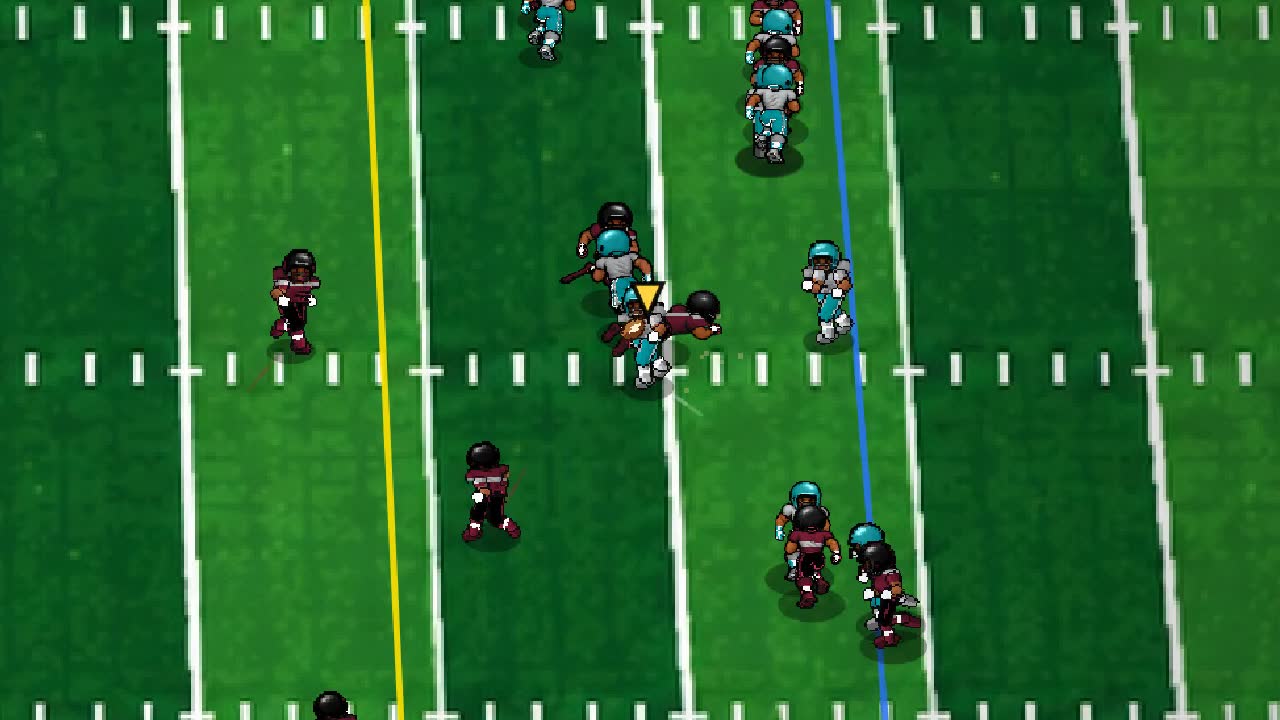
- Tackle
- Close in and press Tackle, or Dive Tackle
- Kick
- Press Kick for power, then again for accuracy
Rookie tips
Win the first quarter.
- Read the coverage first
- Lead your receiver
- Dash only in open space
- Juke at the last moment
- Dive when you are a step behind
Practice mode has no clock, so you can repeat a play until it clicks.
Ready for the snap?
Line up for an invite.
Join the waitlist. Beta testers get the Android app first, and everyone on the list hears when REDZONE launches.
- Android beta: invites go out in waves
- Public launch: coming
- Free to play, no paid stat boosts
players waiting
Join the waitlist
Get launch news and game updates. Or get in line for an Android beta invite.
Check your email
We sent a confirmation link to . Tap it to lock in your spot.
Signed up before? You’re still on the list and nothing changes. No email after a few minutes? Check spam or promotions.